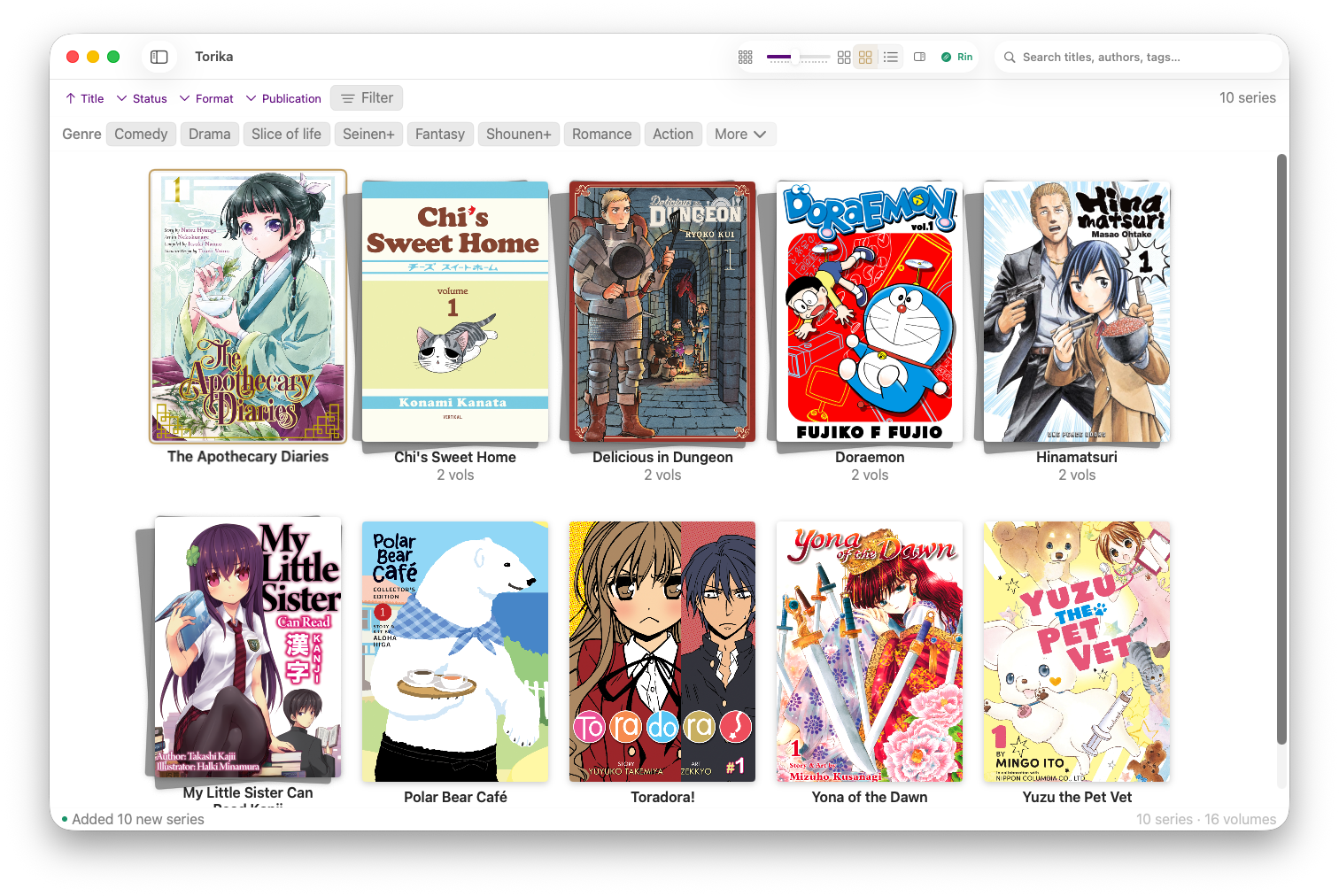
A native macOS library and reader built for collectors — not a generic ebook app. Series-aware library, spreads and right-to-left out of the box, MangaBaka & AniList sync, and a UI that treats your covers like a wall of art.
Beta access on Mac. Drop your email and we'll send the TestFlight invite.
What's inside
Eight things Torika does differently because manga, light novels, and comics are different from generic ebooks.
Groups volumes into series automatically. Shows series progress and unread counts — not a flat list of files.
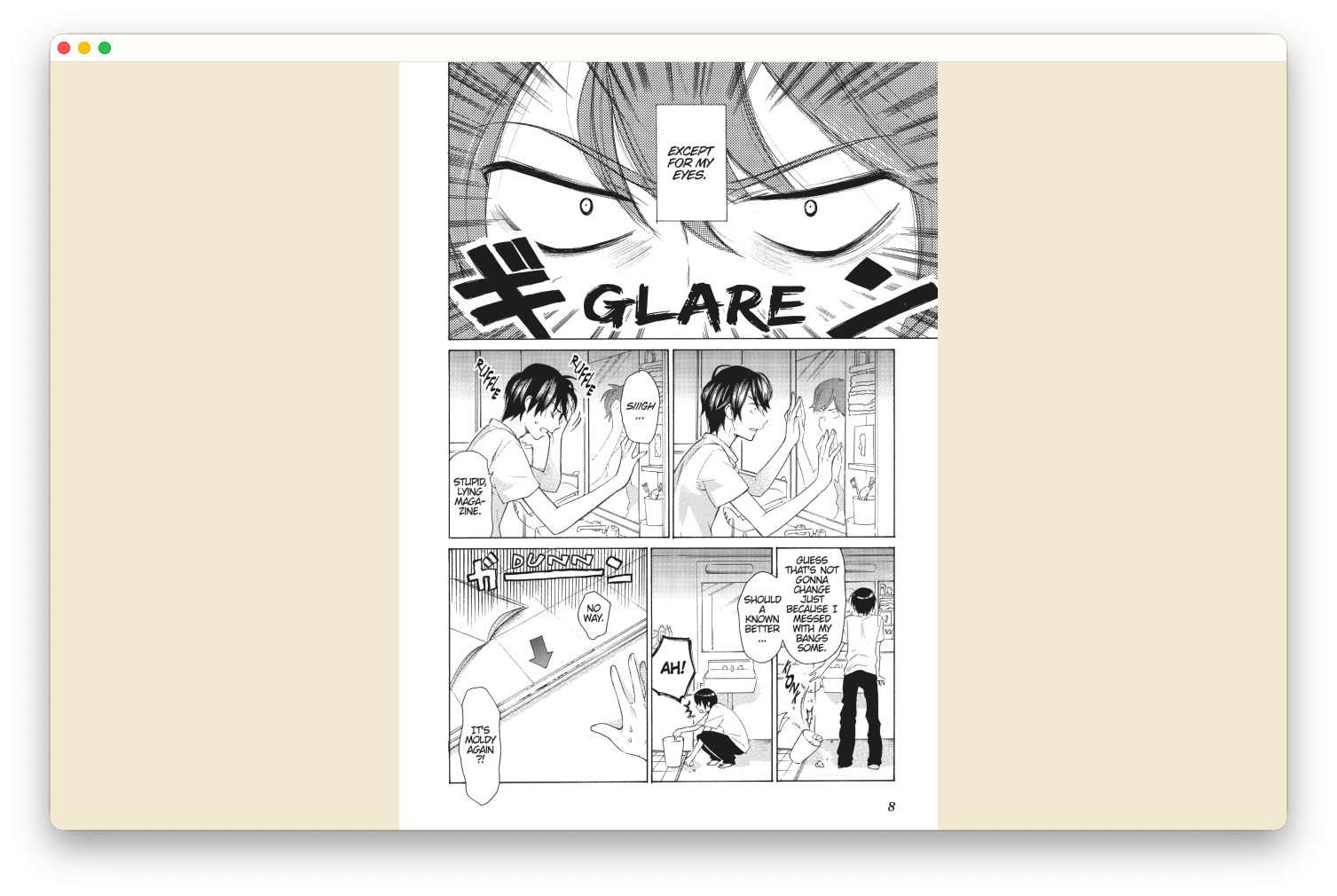
Two-page spreads, right-to-left, cover-as-single-page out of the box. Built for panels, not paragraphs.
Auto-fetches covers, titles, genres, and series order from MangaBaka, AniList, Open Library, and ComicVine.
Manga, light novels, comics in CBZ, CBR, CB7, PDF, EPUB, KEPUB, MOBI. No conversion friction.
Optional, opt-in. Mark a volume read and Torika updates AniList and MangaBaka. Existing progress pulls in.
Your files stay where you put them. No cloud lock-in, no proprietary library format, no rewriting your archives.
Buy once on the App Store, read on Mac, iPad, and iPhone. Mac and iPad in beta now — iPhone on the roadmap.
No tracking, no telemetry, no account required. Read what you read in peace.
Inside the reader
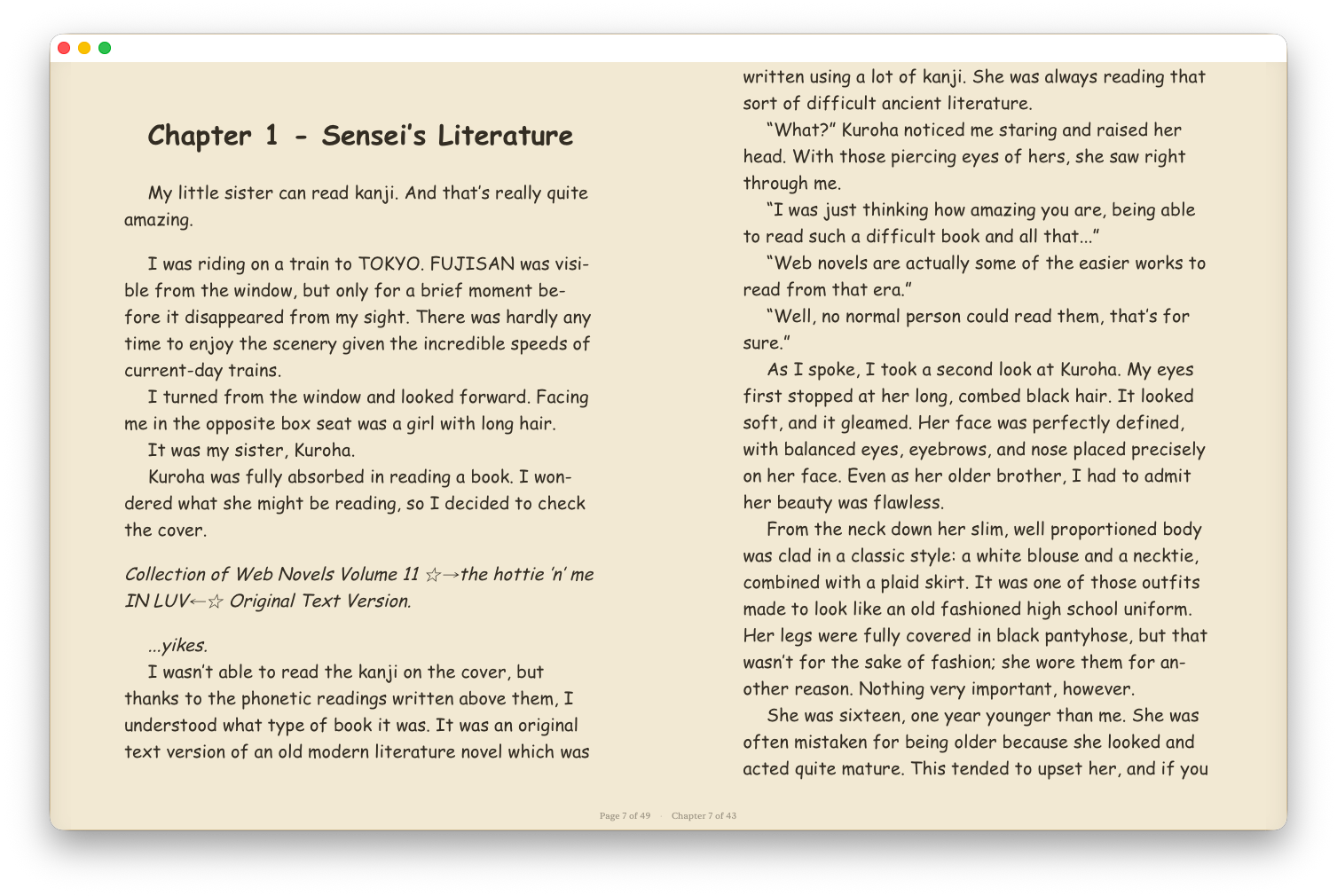
Manga panels and light-novel paragraphs deserve different reading experiences. Torika gives each one the treatment it was made for.
Hey — I'm Marin. I built Torika because I couldn't find a Mac app that treated my manga library like a library.
I've got 3,000+ volumes across manga, light novels, and comics. Apple Books didn't get series. Calibre got the data but never looked right. The good iOS readers don't have a Mac sibling. So I made the one I wanted.
It's just me building it. If you're the kind of person who's spent a Saturday renaming folders for the third time — this is for you.
— Marin, Momoji Labs · Maryland
Reads & connects to
Frequently asked
Collectors with substantial manga, light novel, and comic libraries — anyone with hundreds or thousands of sideloaded volumes on Mac. Torika is not a generic ebook reader: it's series-aware, spread- and RTL-friendly, and treats your files as a library.
Manga and comics in CBZ, CBR, CB7, PDF. Light novels and books in EPUB, KEPUB, MOBI, PDF. No conversion needed — Torika reads what you already have.
Each is great at something different. Torika is built manga/light-novel/comics-first on the Mac, with series grouping, spreads, RTL, and tracker sync as defaults rather than add-ons. See the full breakdown at /compare.
Yes — opt-in, off by default. Mark a volume read in Torika and your tracker updates. Existing progress on MangaBaka or AniList pulls back in. No account needed to use the app itself.
Yes. Torika reads Kavita and Komga libraries via OPDS, alongside your local files, in one unified Mac-native browser. Generic OPDS and WebDAV are supported too. (Old deep-dive guides for Kavita and Komga still live online.)
Yes. Your files stay in the folders you already use — Torika indexes them in place, never copies or rewrites them, and uses no proprietary library format.
Free during beta on TestFlight. At App Store launch, Torika is $19.99 — a one-time purchase, Universal Apple (one purchase covers Mac, iPad, and iPhone). No subscription, no analytics, no account.
iPad is in beta now. iPhone is on the roadmap. Universal Purchase — buy once on the App Store, the same purchase covers Mac, iPad, and iPhone.
A vertical-scroll mode for webtoons and Korean manhwa is coming soon. Page-turn, spread, and RTL modes are already in.
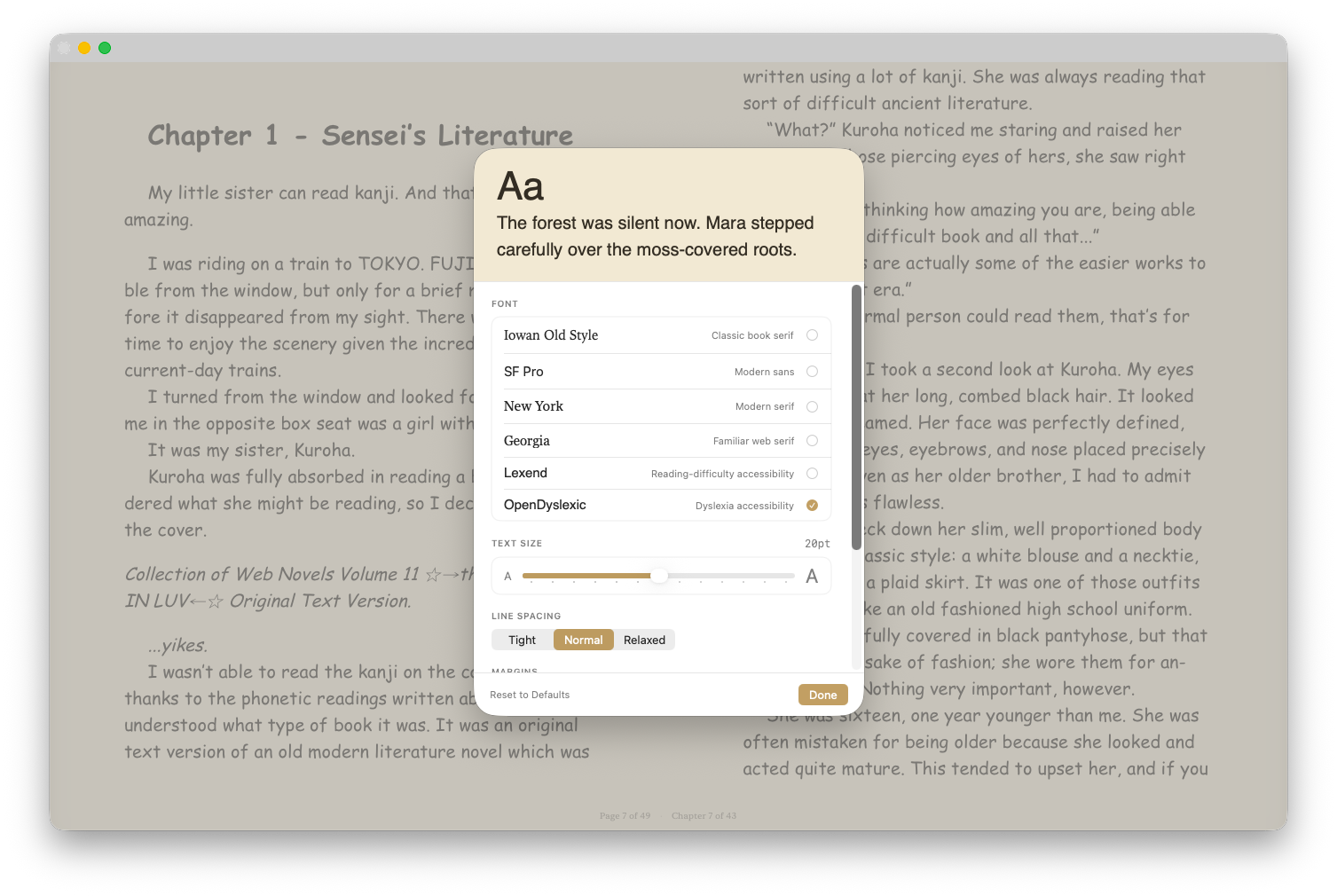
Yes. Six reading fonts including dyslexia-friendly Lexend and OpenDyslexic, tunable line height, margins, and contrast — plus Dynamic Type and VoiceOver work the way you'd expect on Apple platforms.
Free during beta on TestFlight. Drop your email and we'll send the invite.
No spam. Unsubscribe anytime.